Please REGISTER or RENEW your account on RAPiDGATOR.net and support us by doing through all RAPiDGATOR working download links on main posts...
May 17

VideoProc Converter AI 8.11

Built with AI tools for video/image/audio enhancement. Remaster, upscale, restore, colorize, convert, edit, compress, download, and record with GPU acceleration. The best video converter works with videos shot with GoPro, DJI, iPhone, Android, DSLR, mirrorless, camcorders, or other 4K cameras.
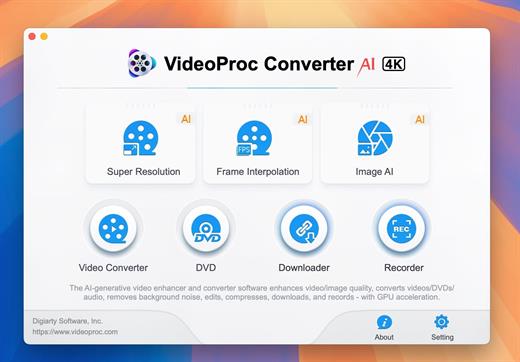
VideoProc peaks Level-3 Hardware Acceleration fully powered by Intel®, AMD®, NVIDIA® GPUs, and Apple M1/M2/M3/M4 (Pro/Max/Ultra), delivering buttery smooth (4K/8K) video processing and transcoding without compromising quality.

What’s New

Version 8.11:


  • Release notes were unavailable when this listing was updated.
Compatibility

macOS 10.15 or later


Release Name: VideoProc Converter AI 8.11
Size: 256.1 MB
Links: HOMEPAGE – NFO – Torrent Search

Download: RAPiDGATOR

6 Comments
May 17

KCNcrew Pack 1.8 (05-15-26)

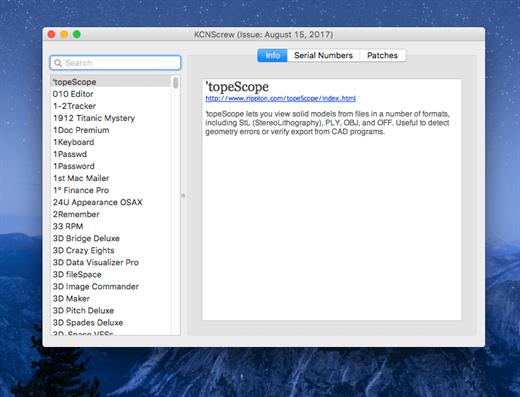
It’s like Serial Box, which has SN’s but KCN also has cracks and patches. It would be best to have both of these collections, as this often has serials you cannot find in Serial Box.

Unlike Serial Box, no readers are required. Just open the dmg file, drag and drop the application to where you like.

However, there is no way to view what serials, cracks and patches are new in this issue as compared to the previous like Serial Box.

Thanks to all contributors and supporters!

What’s New

Version 1.8 (05-15-26):


  • Release notes were unavailable when this listing was updated.
Compatibility

OS X 10.7 or later, 64-bit processor


Release Name: KCNcrew Pack 1.8 (05-15-26)
Size: 9.8 MB
Links: HOMEPAGE – NFO – Torrent Search

Download: RAPiDGATOR
4 Comments
May 15

Topaz Gigapixel 1.3

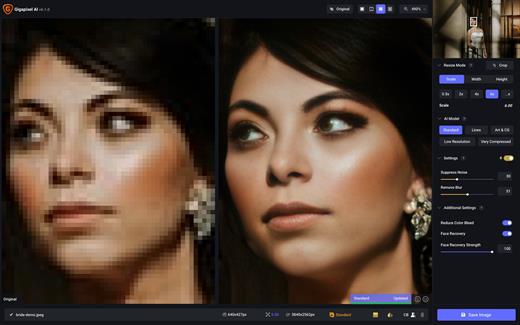
Topaz Gigapixel knocks traditional upscaling tools off their pedestals.

Enlarging your image without losing detail has always been impossible… until now. Upscale your photos by up to 600% while perfectly preserving image quality.

Breathtakingly sharp prints. High-resolution cropping in post-production. iPhone photos that look like they came out of a DSLR.

No matter why you’re enlarging your photos, you always want the best possible quality for your results. Gigapixel AI is currently the only photo enlargement product available that can actually add detail back to your upscaled photo.

What’s New

Version 1.3:


  • Release notes were unavailable when this listing was updated.
Compatibility

macOS 12 Monterrey,ARM only.


Release Name: Topaz Gigapixel 1.3
Size: 772.5 MB
Links: HOMEPAGE – NFO – Torrent Search

Download: RAPiDGATOR

5 Comments
May 15

Typora 1.13.6

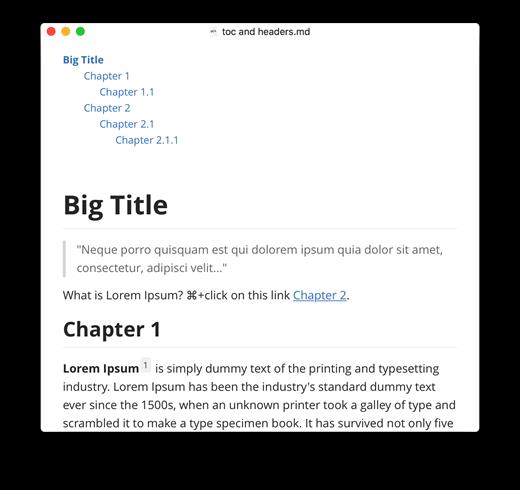
Typora gives you a seamless experience as both a reader and a writer. It removes the preview window, mode switcher, syntax symbols of markdown source code, and all other unnecessary distractions, replacing them with a real-time preview to help you concentrate on the content itself.

Features:


  • Markdown support including tables, code fences with syntax highlight, LaTeX, table of contents
  • Cross-platform
  • The real-time preview and WYSIWYG features
  • Beautiful interface and custom CSS theme support
  • Easy export
What’s New

Version 1.13.6:


  • Release notes were unavailable when this listing was updated.
Compatibility

macOS 10.13.0 or later, 64-bit processor


Release Name: Typora 1.13.6
Size: 19 MB
Links: HOMEPAGE – NFO – Torrent Search

Download: RAPiDGATOR
4 Comments
May 15

Mp3tag 1.12.2

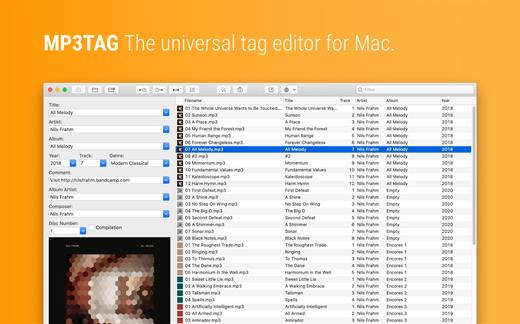
Mp3tag is a powerful and easy-to-use tool to edit metadata of audio files. Musicians, DJs, podcasters, and audio-enthusiasts use it for many different aspects of handling audio files.

It supports batch tag-editing for multiple files at once, covering many audio formats from MP3, over MP4, and M4V (yes, that’s video!) to FLAC, OGG, OPUS, AIF, DSF, MPC, and WAV.

Furthermore, it supports online database lookups from Discogs and MusicBrainz, allowing to gather proper tags and download cover art for music libraries.

It offers renaming files based on the tag information, replacing characters or words in tags and filenames, importing tag information, and adjusting the size and image format of embedded cover art.

Since some of the tasks in managing a digital library are repetitive, Mp3tag allows for combining tasks into action groups, which serve as workflows for keeping consistency and order. Examples are formatting tag fields, performing case conversion, removing unwanted fields, or adjusting embedded cover art to match required sizes.

Key Features


  • Bulk-Editing of Tags for multiple files at once.
  • Editing of cover-art.
  • Renaming files based on tags.
  • Importing metadata from filenames.
  • Assign track and disc numbers via the auto-numbering wizard.
  • Importing metadata from online Tag Sources.
  • Support for Flexible Tagging, allowing for user-defined tag fields in a standardized way.
  • Applying action groups with many tasks combined into reusable workflows.
  • Support for many file types under a universal user interface.
Supported File Formats

  • MP3 (ID3v1, ID3v2.3, ID3v2.4 with UTF-8)
  • MP4/M4A/M4B/M4V (iTunes and Nero)
  • FLAC (Vorbis Comments)
  • OGG (Vorbis Comments)
  • OPUS (Vorbis Comments)
  • AIF (RIFF INFO and RIFF ID3)
  • DSF (ID3v2)
  • MPC (APEv2)
  • WAV (RIFF INFO and RIFF ID3
What’s New

Version 1.12.2:


  • Release notes were unavailable when this listing was updated.
Compatibility

macOS 10.14 or later.


Release Name: Mp3tag 1.12.2
Size: 13.4 MB
Links: HOMEPAGE – NFO – Torrent Search

Download: RAPiDGATOR

5 Comments
May 15

Noir – Dark Mode for Safari 2026.1.4

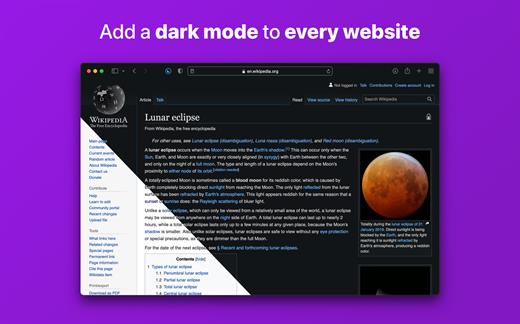
Noir is a Safari extension that automatically adds a dark mode to every website you visit.

It makes browsing the web at night so much better. With Noir, you won’t be blinded by bright websites ever again.

And the results look great too. Noir generates a custom dark style for each website you visit, based on the colors that are used on a page. You won’t even notice this happening in the background – that’s how fast it is – but you’ll certainly appreciate the end result: a beautiful dark mode tailored for each website, where contrast is preserved and highlights still pop.

Noir works with any website you visit in Safari, automatically. By default, Noir is linked to your device’s Dark Mode, so websites will only go dark when you want them to. But you can easily customize this to your liking, even per website. Only want to use Noir on just a few specific websites? Sure thing! Disable Noir on some websites? No problem!

The app feels right at home on your device. It is a Safari extension, which means there’s no need to manually activate it every time you load a new page. The app also tightly integrates with system features such as Shortcuts to fully integrate Noir in all your workflows. And your settings are automatically synced to all your devices using iCloud.

And just as importantly, Noir takes your privacy seriously: it doesn’t collect any of your browsing data. Period.

Noir is made by a solo developer. It does not include any subscriptions or ads. Buy Noir once, use it forever.

What’s New

Version 2026.1.4:


  • Release notes were unavailable when this listing was updated.
Compatibility

macOS 12.0 or later.


Release Name: Noir – Dark Mode for Safari 2026.1.4
Size: 12.6 MB
Links: HOMEPAGE – NFO – Torrent Search

Download: RAPiDGATOR
4 Comments
May 15

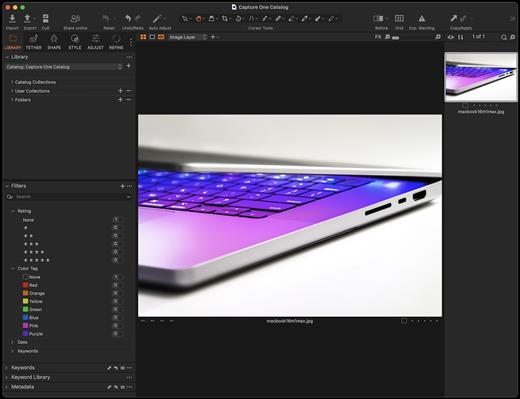
Capture One Studio 16.7.8

Capture One is a professional RAW converter offering you ultimate image quality with accurate colors and incredible detail from more than 400 high-end cameras – straight out of the box. It offers state-of-the-art tethered capture, powerful digital asset management, extensive adjustment tools, and a flexible workflow.

With an updated processing engine, market-leading performance, and powerful new features, Capture One is the professional choice in imaging software. You get the highly responsive precision tools you need to create stunning images from your camera’s RAW files in a time-saving workflow that can be customized to fit your needs.

What’s New

Version 16.7.8:


  • Release notes were unavailable when this listing was updated.
Compatibility

macOS 14.0 or later


Release Name: Capture One Studio 16.7.8
Size: 1.2 GB
Links: HOMEPAGE – NFO – Torrent Search

Download: RAPiDGATOR

4 Comments
May 15

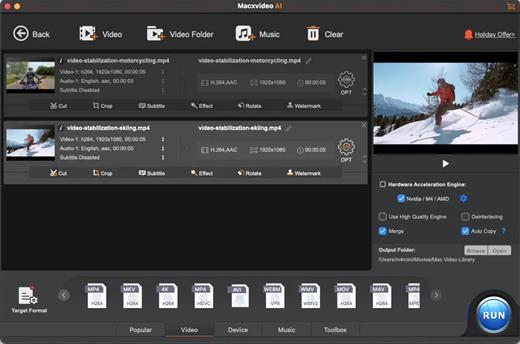
Macxvideo AI 3.14.0 (260507)

Macxvideo AI is an ultimate AI-powered video suite for Mac, combining next-gen video/image enhancement with advanced tools for conversion, compression, screen recording, and editing. With full GPU acceleration, it offers a smooth, efficient workflow for both casual creators and professionals.

AI Super Resolution technology significantly enhances video quality by intelligently upscaling footage up to 4X its original size, with support for resolutions as high as 4K. Its advanced AI models preserve fine details while eliminating noise and blur, resulting in clearer, sharper visuals for a truly immersive viewing experience.

Supporting 370+ inputs & 420+ outputs, Macxvideo AI converts MP4, HEVC, AV1, MOV, multi-track MKV, or AAC, making it playable on any device. It utilizes full GPU-acceleration to swiftly convert 4K/8K/3D videos in bulk, delivering 47X faster speed and keeping CPU ussage under 2%. You can adjust codec, resolution, VBR, etc.

From iPhone, GoPro, DJI, Cannon, and DVD/blu-ray rips, Macxvideo AI adeptly converts videos like 4K MOV, MP4 with ease. It downscales 4K/8k, transcodes legacy or modern codecs, and preps your footage for smooth playback across all devices and players.

What’s New

Version 3.14:


  • Release notes were unavailable when this listing was updated.
Compatibility

macOS 10.15 or later


Release Name: Macxvideo AI 3.14.0 (260507)
Size: 247.6 MB
Links: HOMEPAGE – NFO – Torrent Search

Download: RAPiDGATOR
5 Comments
May 15

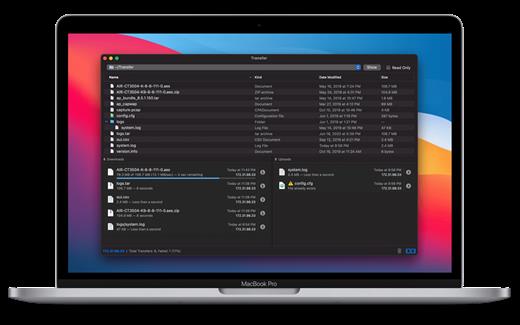
Transfer 2.4.3

Transfer is a reliable and fully RFC-compliant TFTP server application. The perfect alternative to the built-in TFTP server on your Mac. It’s got everything you expect: real-time updates of current transfers in progress, support for broadcast requests, transfer history and basic root directory access control and file management. A feature rich TFTP server with a simple and modern user interface.

Written from the ground up, Transfer offers total control of your file transfers while playing nicely with existing TFTP clients.

Features


  • Real time updates of current transfers in progress
  • Basic file management of the root TFTP directory
  • Support for broadcast transfer requests
  • Support for common TFTP extensions and options
  • Transfer history
What’s New

Version 2.4.3:


  • Minor fixes and improvements.
Compatibility

macOS 10.14 or later, 64-bit processor


Release Name: Transfer 2.4.3
Size: 10.3 MB
Links: HOMEPAGE – NFO – Torrent Search

Download: RAPiDGATOR

6 Comments
May 15

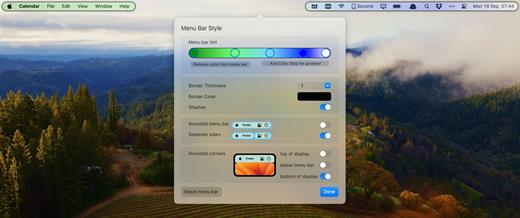
Bartender 6.5.1

Bartender lets you organize your menu bar apps.

Features


  • Take control of your menu bar – With Bartender you can choose which apps stay in the menu bar, are displayed in the Bartender Bar or are hidden completely.
  • The Bartender Bar – The Bartender Bar can be displayed and hidden as you want, by clicking on the Bartender Icon or via a hot key.
  • Menu bar apps still work the same – Apps still work the same when they are in the Bartender Bar allowing you quick access to them when needed, but keeping them out of sight when not.
  • Show an app in the menu bar when it updates – Set up your apps to be displayed in the menu bar for a period of time when they update.
  • Order your menu bar items – With Bartender you can set the order of the menu bar items, both in the menu bar and in the Bartender Bar, simply by ⌘+dragging the items. The order you set is maintained after restarts. So your menu bar items are always in the order you want.
  • Minimalism – If you want a really clean look and privacy, Bartender can also be hidden.
  • The Bartender Bar can be placed where you want – The Bartender Bar can be moved at any time to any horizontal position immediately under the menu bar. Or it can open under the Bartender icon.
  • Keyboard Navigate your menu bar items – Keyboard navigate all menu items both in the menu bar and the Bartender Bar; simply arrow through them and press return to select.
  • Search menu bar items – You can search the Bartender Bar for menu items, allowing you quick access to a menu item without looking for it. Simply display the Bartender Bar and start typing, then press enter to select the menu item.
Bartender lets you organize your menu bar apps by hiding them, rearranging them, or moving them to Bartender’s Bar. You can display the full menu bar, set options to have menu bar items show in the menu bar when they have updated, or have them always visible in Bartender’s Bar.

What’s New

Version 6.5.1:


  • Release notes were unavailable when this listing was updated.
Compatibility

macOS 14.0 or later


Release Name: Bartender 6.5.1
Size: 54.9 MB
Links: HOMEPAGE – NFO – Torrent Search

Download: RAPiDGATOR
6 Comments